Kami's LD Tools
A live, non-destructive level blockout mode for Unreal Engine.
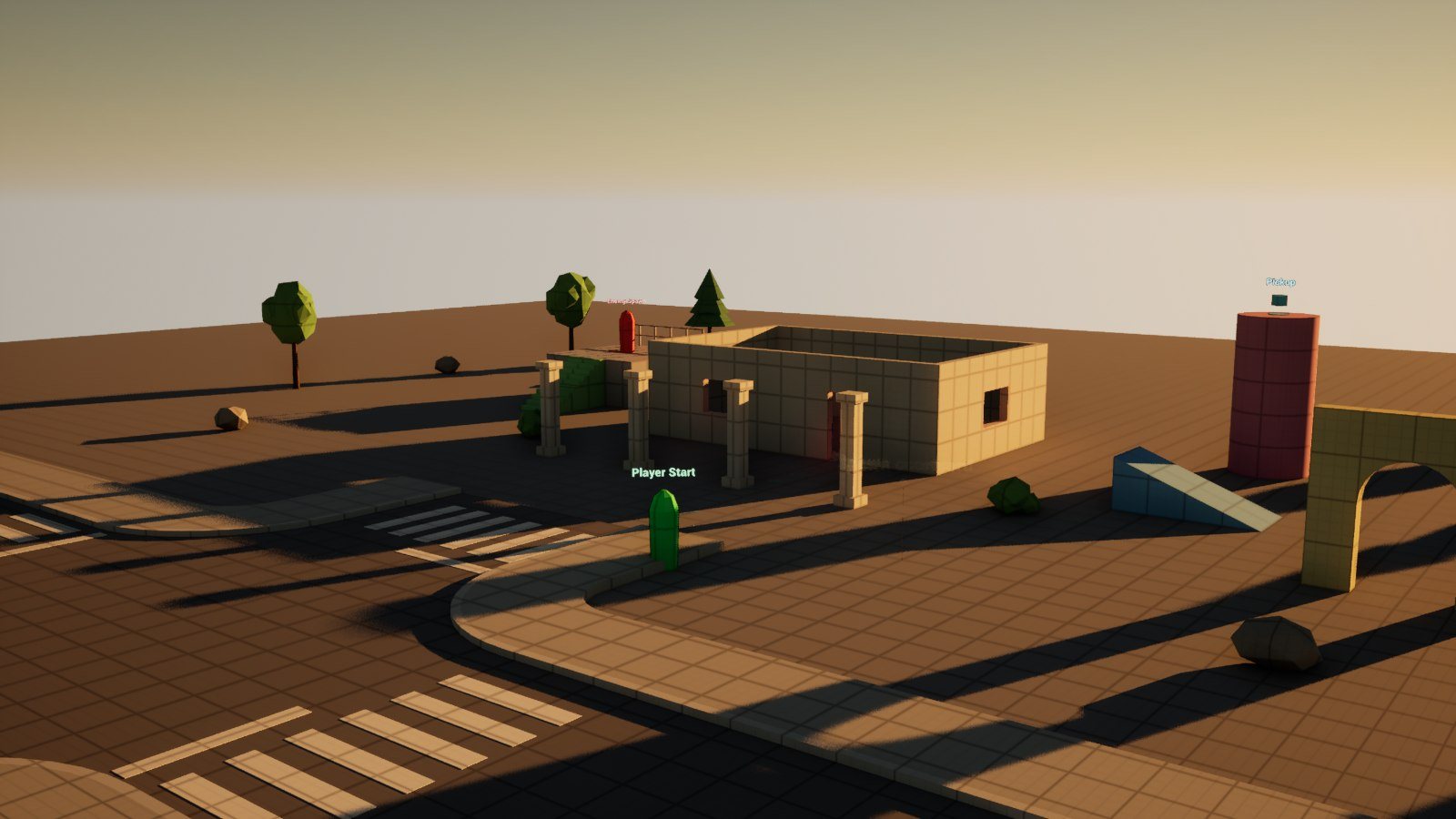
Drop parametric walls, stairs, roads and props straight into your level, reshape them with viewport handles, carve doorways on the fly, and leave notes for your team. Everything stays editable until you decide to bake it.
Explore the toolkit
-
Boxes, ramps, stairs, walls, floors, doorways, windows, trims, low-poly nature and more.
-
Drag dots in the viewport to resize shapes, move path points, or tweak counts and angles.
-
Door, window and blast cutters that carve live and heal right back if you move them.
-
Streets and highways that snap into junctions, hug the terrain, tunnel through hills and bridge gaps.
-
Gameplay markers, notes, line paths, a Measure tool and a per-level reference board.
-
Player Scale stand-ins, player-sized doors and corridors, and a steep-slope overlay.
-
Modifier stack Pro
Non-destructive Mirror, Array, Bevel, Shell, Taper, Twist and Bend.
-
Edit Elements Pro
Face, edge and vertex edits that replay automatically whenever the base shape changes.
-
Turn your blockout into Static Meshes or collapse shapes into Modeling Mode when you're ready.
How it works
- Place. Hit Shift+0 to open the mode, then drag a tile into the level—or double-click it to draw it to size.
- Shape. Drag the handles right on the mesh. Every value also lives in the Details panel, and everything works with Ctrl+Z.
- Carve and annotate. Drop cutters into walls, lay out roads, mark spawns and check jumps against your player's reach.
- Finish. Keep shapes live as long as you want, then bake them to Static Meshes once the layout is locked.
Two editions
Lite and Pro are built from the same plugin, so only install one—never both. Levels made in Lite open in Pro without changing a thing, and Pro-only features are marked Pro throughout this guide.