Modifier stack Pro
Mirror, Array, Bevel, Shell, Taper, Twist and Bend—kept non-destructive.
Every LD shape has a live modifier stack that runs after base parameters and element edits, right before cutters carve the mesh. Change the underlying shape and the entire stack re-evaluates.
Adding and managing modifiers
- Click a modifier button on the Modify tab to add it to all selected shapes, or use Details → Modifiers → Add Modifier.
Each modifier gets a numbered card (1. Array) with a quick summary (x3 linear), an enable checkbox, up/down reorder arrows and a delete button. Its parameters sit right under the card, and everything is undoable with Ctrl+Z.
- Order matters: Mirror then Array produces a different result from Array then Mirror—use the arrows to reorder anytime.
- Skip a step: Untick a card's checkbox to temporarily disable it without losing its settings.
The modifiers
Mirror
Mirrors the shape across a plane.
| Setting | What it does |
|---|---|
| Axis | X, Y or Z. |
| Plane Offset | Shifts the mirror plane along the axis. |
| Crop At Plane | On: slices the mesh at the plane and welds both halves together. Off: adds a full mirrored copy. |
| Flip | Mirrors the opposite side instead. |
Array
Repeats the shape in a straight line or a ring.
| Setting | What it does |
|---|---|
| Mode | Linear or Radial. |
| Count | Total number of copies. |
| Relative Offset | Linear: spacing as a multiple of the shape's size (1, 0, 0 places copies side by side along X). |
| Constant Offset | Linear: extra fixed gap in cm. |
| Radial Axis, Radius, Total Angle | Radial: spin axis, ring radius and sweep angle. |
| Rotate Copies | Radial: rotates each copy to face the centre. |
| Merge Copies | Welds overlapping copies into one clean solid. |
Bevel
Rounds or chamfers sharp edges.
| Setting | What it does |
|---|---|
| Width | Bevel distance. |
| Segments | 0 for a flat chamfer, or higher for a smooth rounded edge. |
| Angle Threshold | Only bevels edges sharper than this angle, leaving smooth cylinder walls untouched. |
Shell
Hollows out the mesh to a set wall thickness. From the outside it looks solid, until you slice through it with a cutter or open the top/bottom.
| Setting | What it does |
|---|---|
| Thickness | Wall thickness. |
| Opening | None (closed), Top or Bottom—an open top instantly turns a box into a planter or pool with a clean rim. |
Taper, Twist and Bend
Deform the mesh along an Axis, using Segments slices for smooth curvature (Taper doesn't need extra slices).
| Modifier | Settings |
|---|---|
| Taper | End Scale: scales the far end (0.5 on a tall box creates a frustum; 1, 0 along X makes a wedge). |
| Twist | Angle: twists along the axis (90° on a tall box gives a twisted tower). |
| Bend | Angle and Towards: bends a long box 90° toward Y into a curved quarter-circle wall. |
Working with the rest of the toolkit
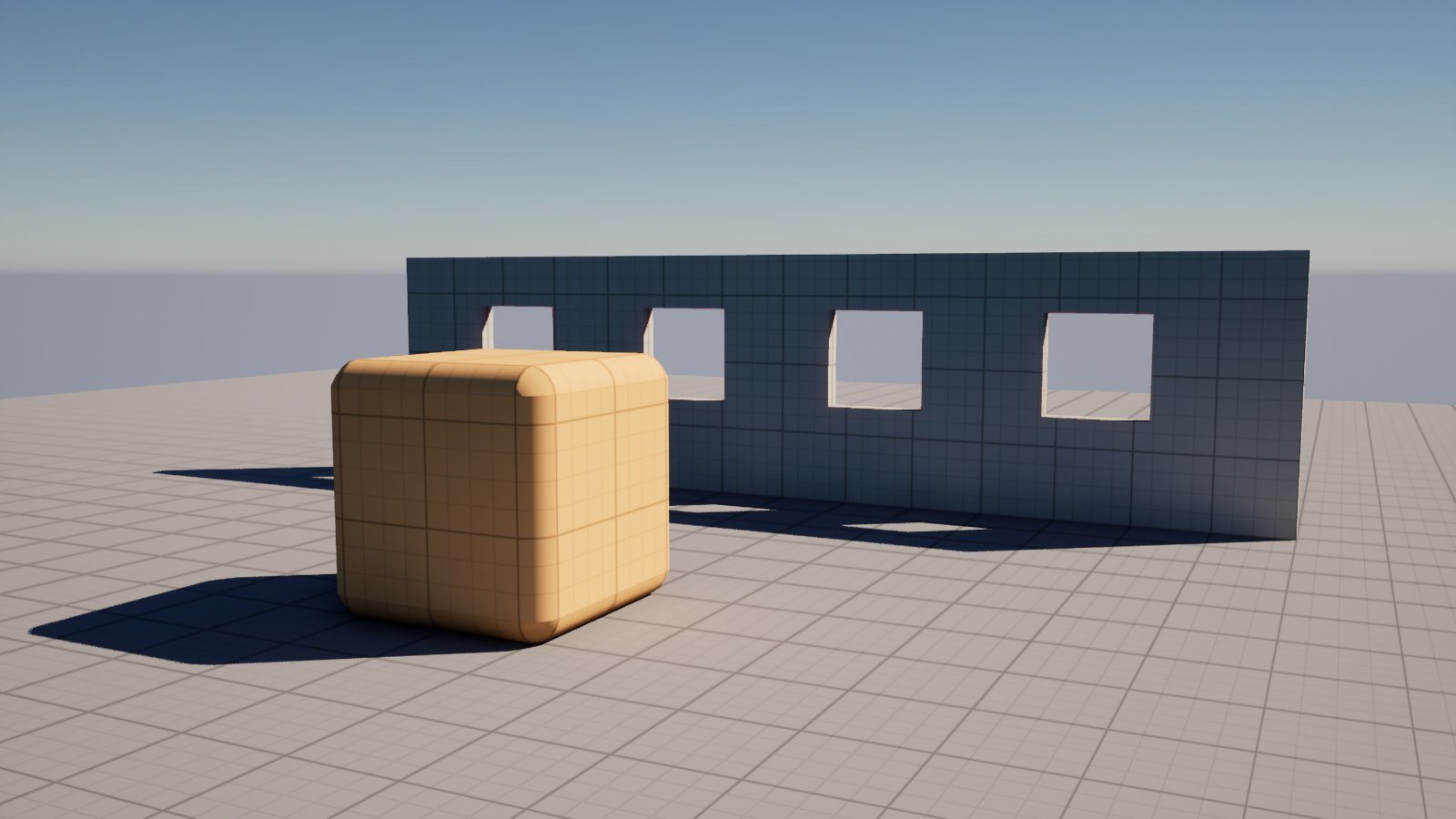
- Cutters & stairwells: Modified cutters carve their full stacked result (a Window Cutter with an Array punches a row of windows), and Stairs with Cut Floor Above keep carving stairwells across Mirror and Array copies.
- Collision: Mirror and Array duplicate simple collision shapes onto every copy; Shell, Taper, Twist and Bend automatically switch to exact collision.
- Saving & baking: Presets, Repeat Last and drag-and-drop keep the stack intact. Collapse bakes modifiers into an Editable Mesh, and Bake keeps the modified geometry.
Good to know
- Viewport handles control base shape parameters, not modifier values—adjust counts and offsets on the modifier cards.
- Mirror without cropping, or overlapping Array copies, will leave overlapping faces unless Merge Copies is enabled.
- Bevel and Shell are capped at 45 % of the shape's smallest dimension. Very wide bevels on complex geometry can fail and fall back to the unbevelled mesh.